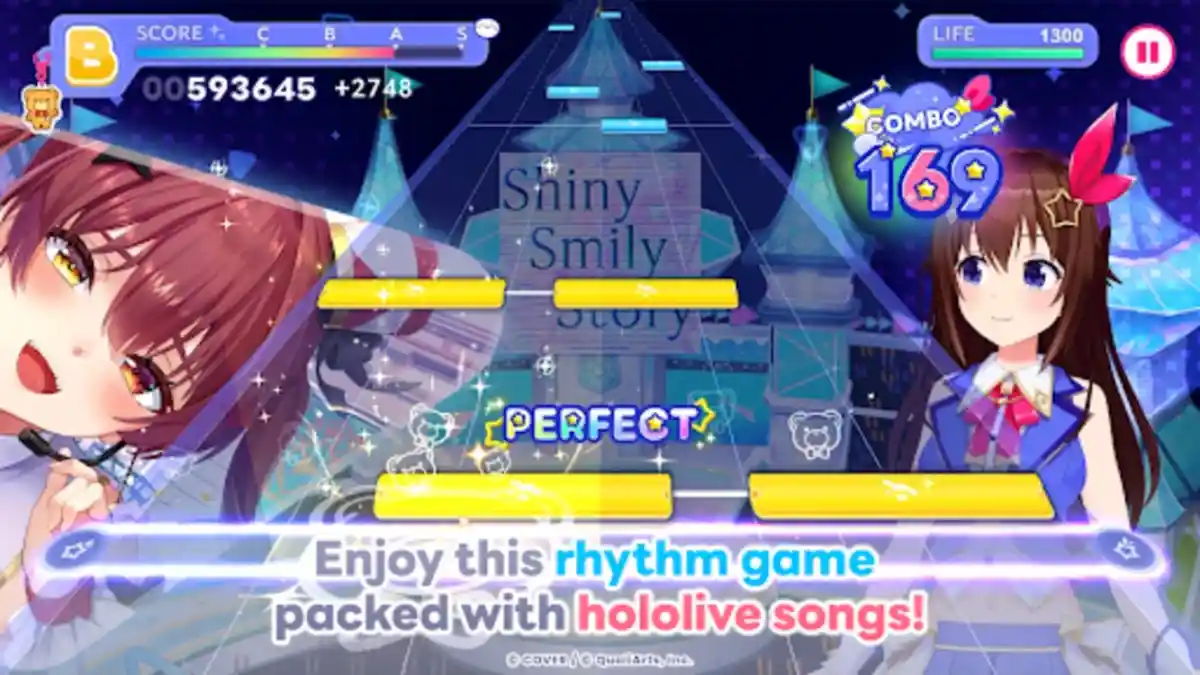
Seeing the Game Clearly
Start with vision: raise in game text comfort where possible, use Android display and font size settings, and keep screen brightness steady rather than auto shifting mid song. A matte screen protector or a seat away from window glare can transform readability. For rhythm charts, a clean screen and a stable viewing distance matter as much as any setting.
Test the advice against your last session and notice where it explains what went right or wrong. That comparison habit makes every guide you read afterwards more useful. For the complete picture, start with Hololive Dreams for Android and then return to this guide.
Hololive Dreams key points on this step:
- Use font and display size settings
- Keep brightness steady during songs
- Reduce glare with seating and protectors
- Clean the screen regularly
- Fix a comfortable viewing distance